
Automatic tempo
Start at 70, +10 every four bars, up to 100. Rising or falling; stop at the end or start over.
Pratnome changes the tempo every few bars on its own. You keep playing — no stopping, no resetting, no counting in again.
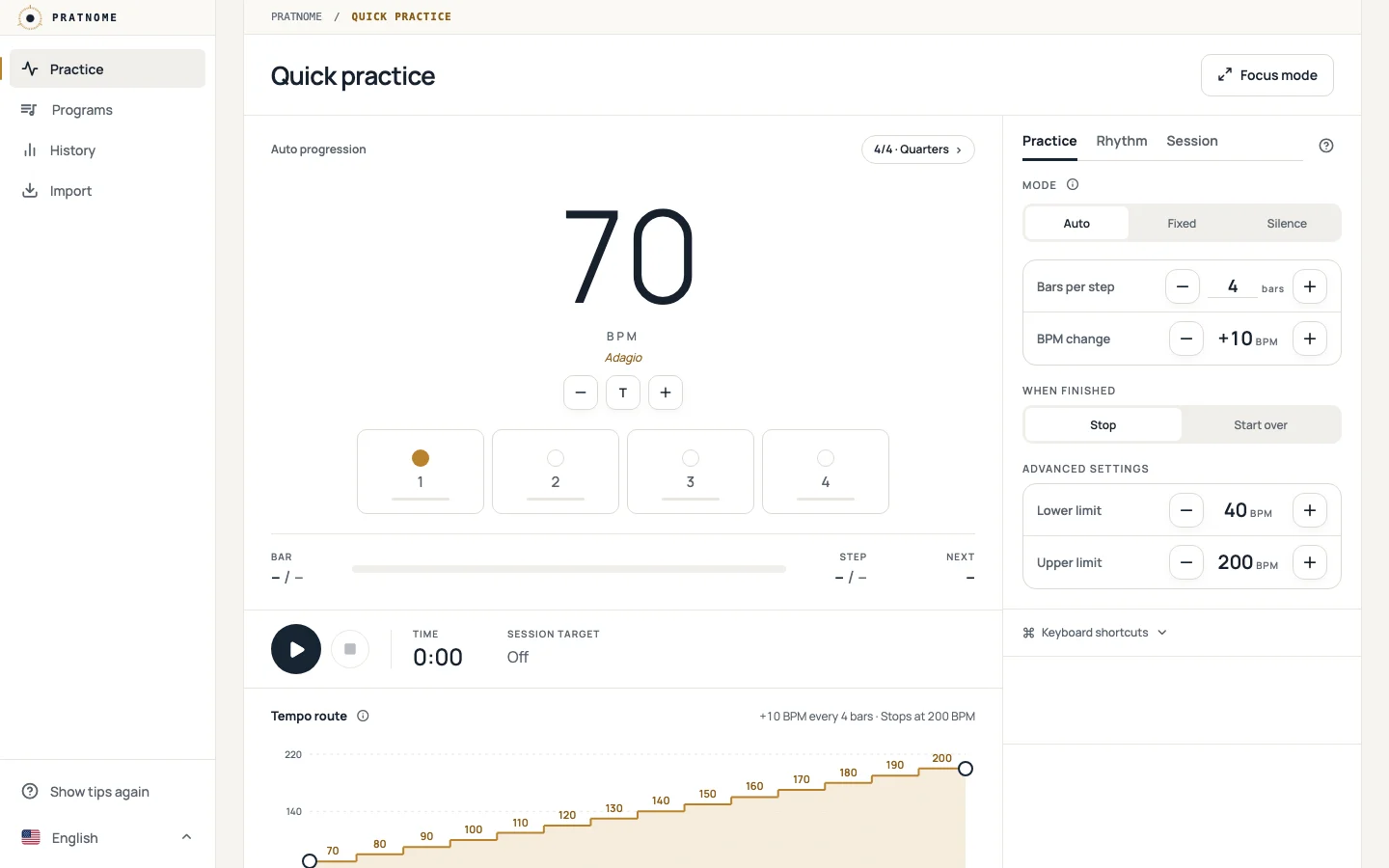
With an ordinary metronome every step up is an interruption. Pratnome builds the same ladder while you play.
The change lands on the bar line, in time with the click. Your hands stay on the instrument.
A ramp, a ladder or a routine of steps; repeat it or loop it.
No account, no setup. Your settings and programs stay in this browser.
All in the app today. These are real screenshots.
Start at 70, +10 every four bars, up to 100. Rising or falling; stop at the end or start over.
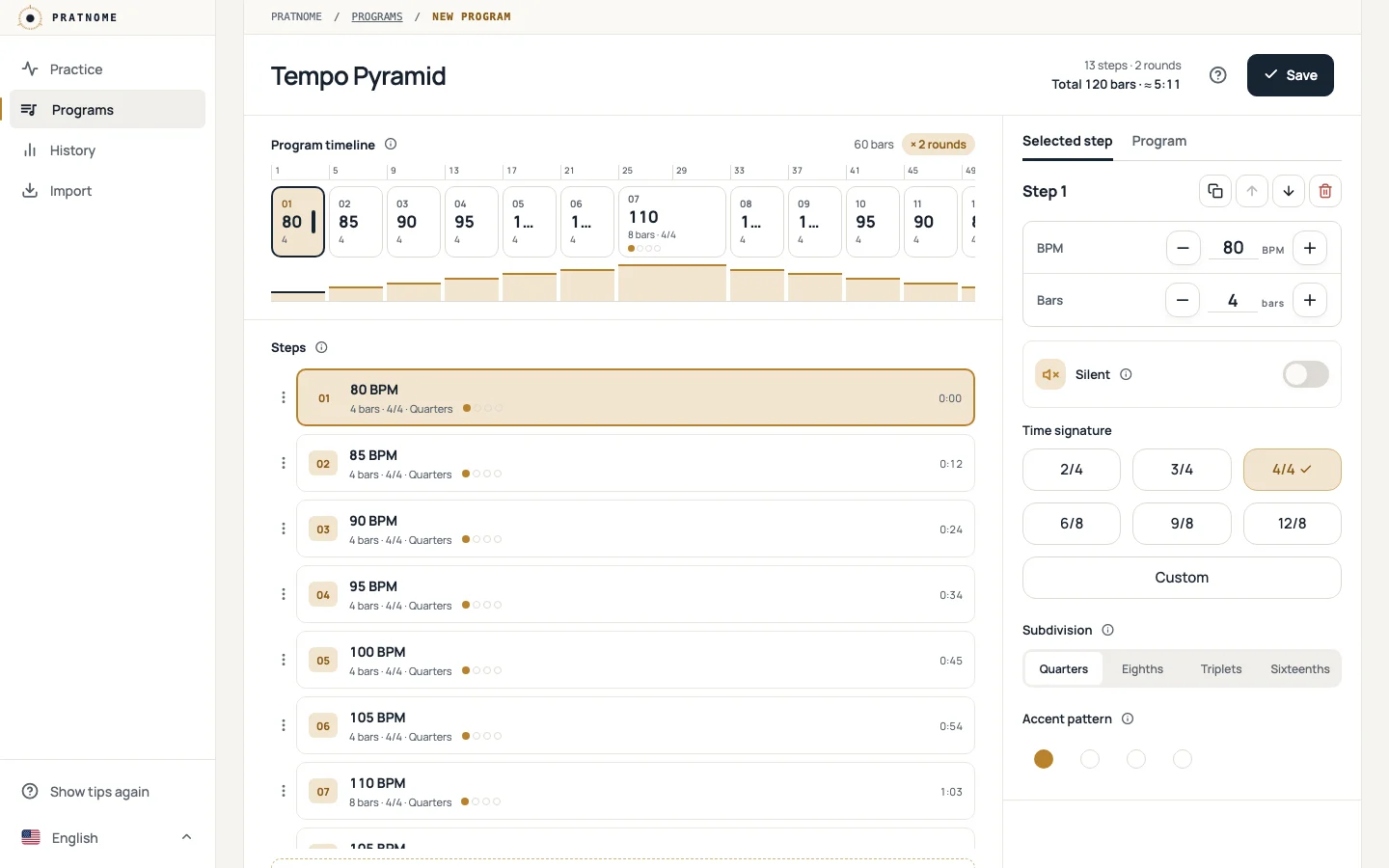
A routine step by step: each with its own tempo, bars and rhythm. Save, share; drag to reorder on a computer.
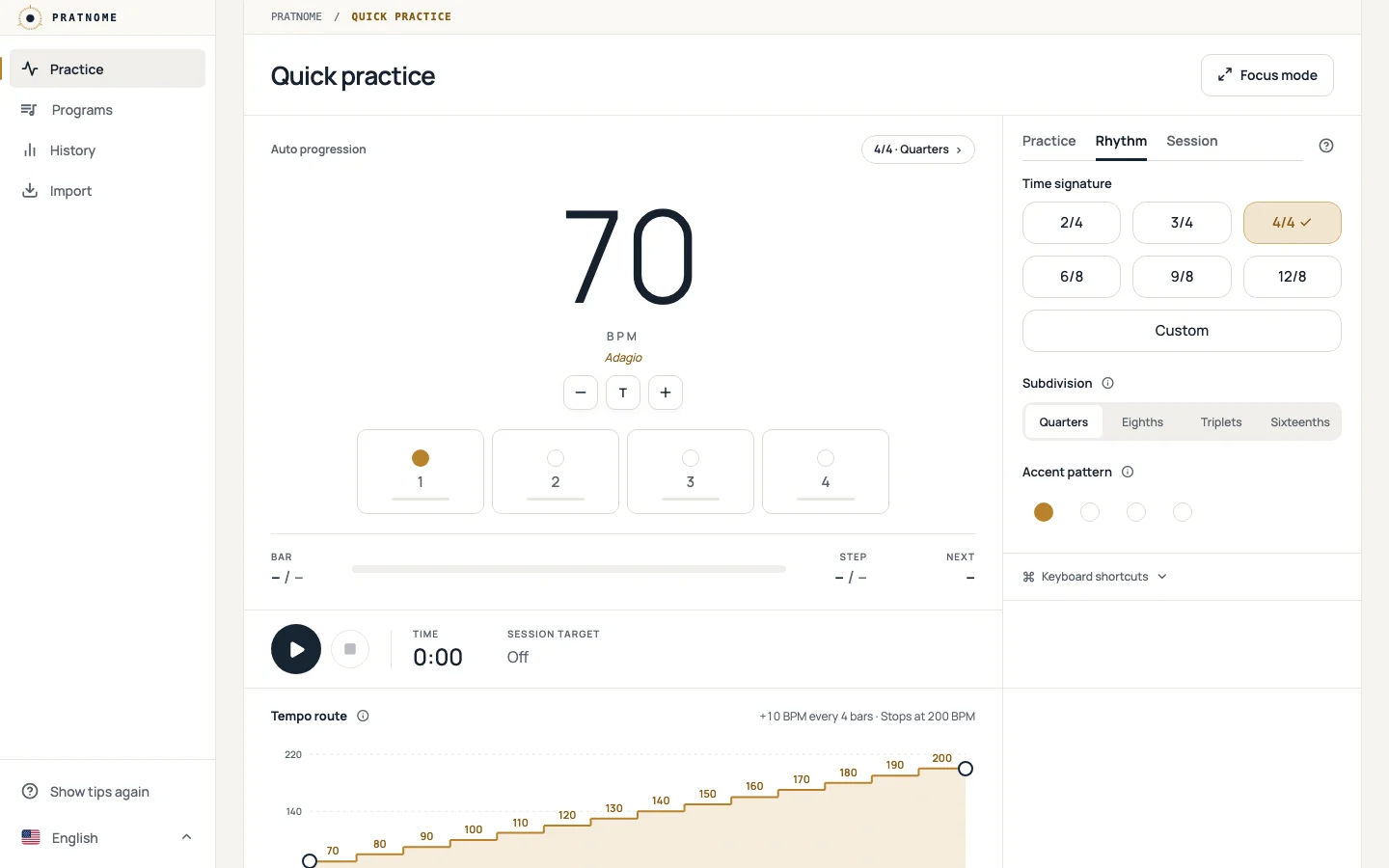
Time signature, subdivisions from quarters to sixteenths, swing and an accent for every beat.
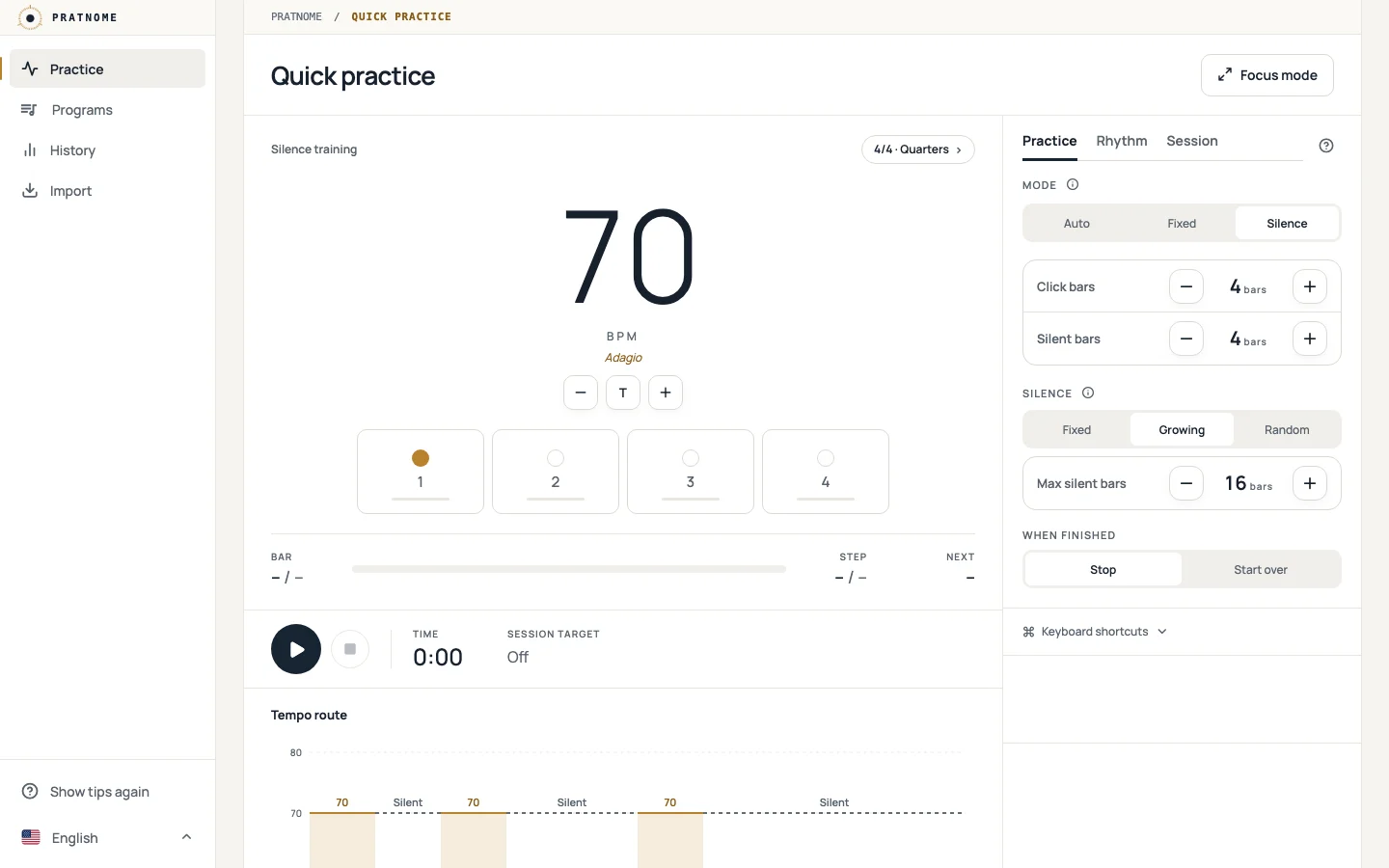
The metronome drops out now and then — fixed, growing or random. You keep the time.
Whether you're warming up before a gig or repeating the same exercise every day.
Before you start or at every tempo change, with its own sound.
A time or bar target; it stops by itself at the end of the bar.
Space starts, T taps the tempo, F leaves only the stage.
Your weekly practice time and the top tempo you reached in each program.
Send a program as a link; the other person previews it and adds it.
After the first visit it works without an internet connection.
Nothing to install; it opens in your browser.
The starting tempo and the time signature.
How many bars between changes, and by how much.
Press Start. The tempo changes on the bar line.
Auto progression, rhythm and programs are in the iPhone and Android app too. No account needed.
Keeps playing with the screen locked.
Open in the App Store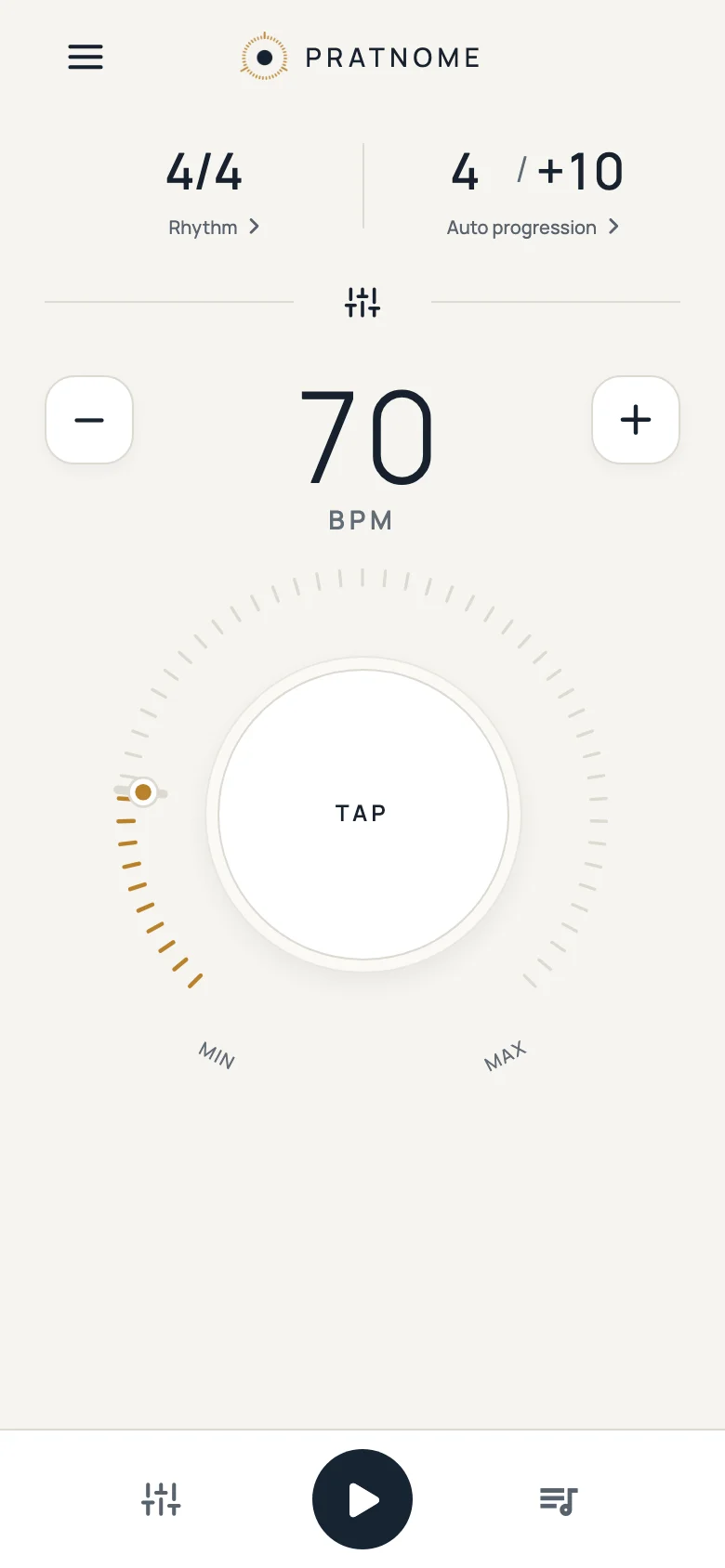
The screen stays on while you practice.
Open in Google Play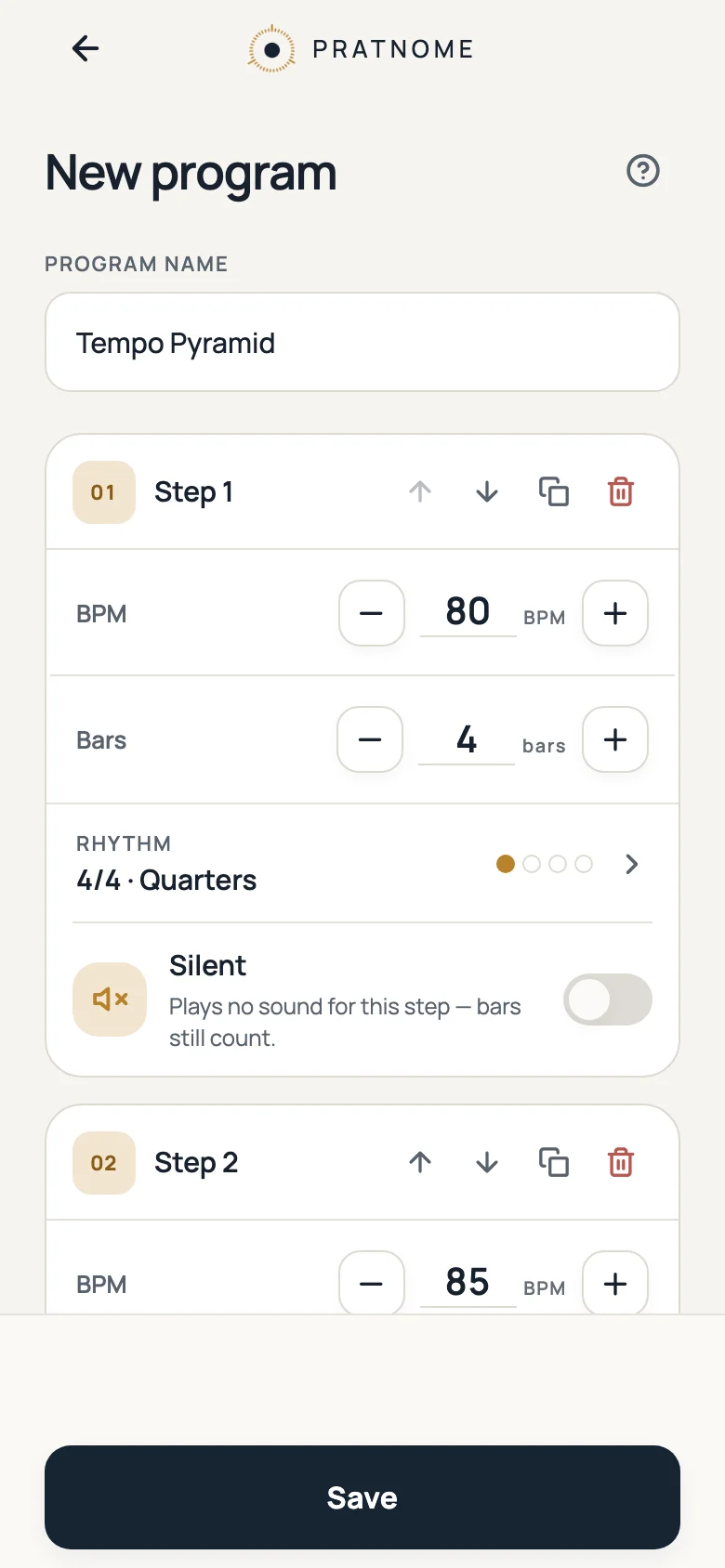
Yes. It's free to use and supported by ads. You don't need an account.
No. Open the metronome and start. Your settings and programs are kept in your browser; if you want them on your other devices too, you can sign in with an optional account.
Yes. After you have opened it once, the app can start and play offline.
In this browser on this device. They are not uploaded anywhere. You can download a backup file and import it into another browser.
Pratnome changes the tempo for you, following the progression you set. The starting tempo is set before you begin and is locked during a session, so a stray tap can't throw you off.
Yes, Pratnome is also available for iPhone and Android.